GreenToast Apps

WorksUP

Pseudocode Editor and FlowChart Maker, all in one. Learning has never been so easy!

Pseudocode Editor FlowChart Maker Toast AURA UI Free
WorksUP editor
Latest Features

Everything you need to learn programming, in one place

WorksUP brings a pseudocode editor, a flowchart maker and a C editor together in a single, modern workspace built with Toast AURA UI.

New Left SideBar

Your whole workspace, right beside your code

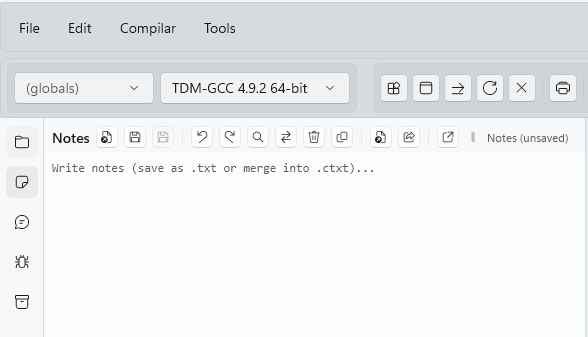
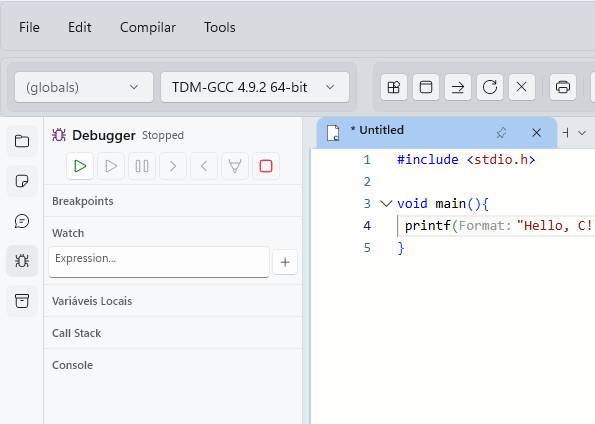
The new sidebar keeps the tools you reach for most within arm's reach. Browse your files, jot down an idea, open the AI panel or hunt down a bug without ever leaving the page you are working on.

  • ExplorerBar: your files and folders
  • NoteBar: quick notes while you code
  • AI Bar: a sidebar ready for AI features
  • Debug Panel: find and fix errors

New MainPage Interface

Pick up right where you left off

The main page is now a dashboard. Widgets bring your recent files and activity to the surface, so getting back to work takes a single click instead of a search.

  • Dashboard widgets for recent files and activities
  • Search with filters and sorting options
  • Notifications that keep you updated in real time

C_EditorPage Enhancements

A calmer, smarter place to write code

Open as many documents as you need and move between them with tabs. While you type, the editor helps with suggestions and clearer colors, so your code is easier to write and easier to read.

  • Tabview to manage multiple documents
  • Colored tabs to stay organized (optional)
  • Toolbar with your most used actions
  • InteliSense for code completion and suggestions
  • Improved syntax highlighting

English Language Support

WorksUP now speaks English, so more people can learn with it.

GreenToastSoftware Account

Sign in to make WorksUP yours, with a personalized experience and cloud storage for your work.

Search Box

Type what you are looking for and jump straight to a file, a setting or a feature.

First-time Wizard

New here? A short guided setup walks you through WorksUP and its main features.

New Settings Page

Tune themes, editor preferences and your account from one place.

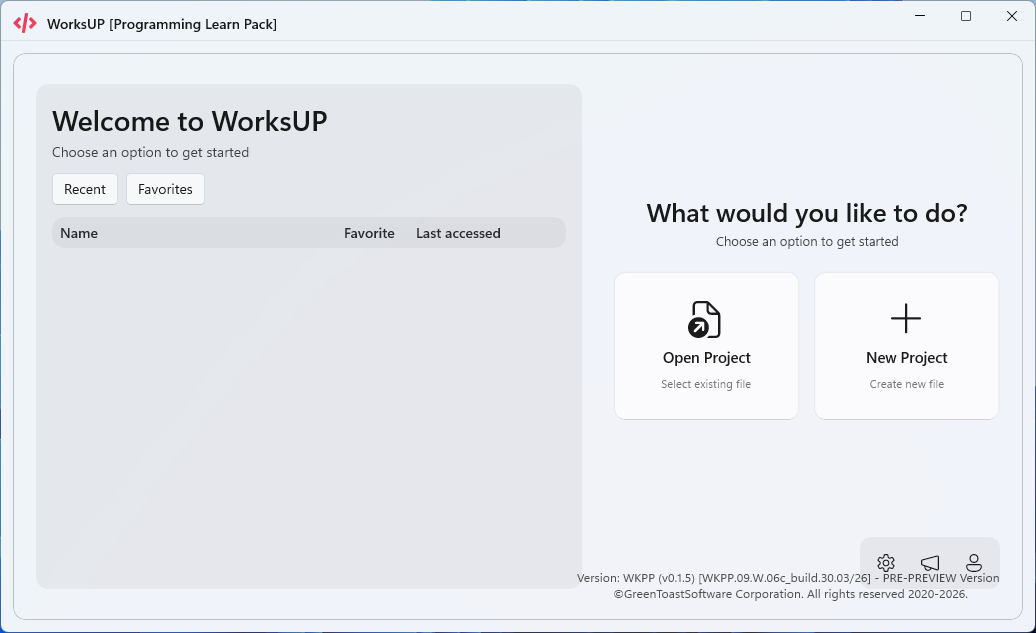
New Home Page

Your recent projects front and center the moment you open the app.

New file format

About the .ctxt format

One file for your code and the notes that explain it.

.ctxt file format

.ctxt

Code and notes, saved together

A .ctxt file saves and loads a .c file combined with a .txt file, so your program and your notes always travel as one.

  • Made for WorksUP, not compatible with other software
  • Need to share or use it elsewhere? Convert it back to .c and .txt